
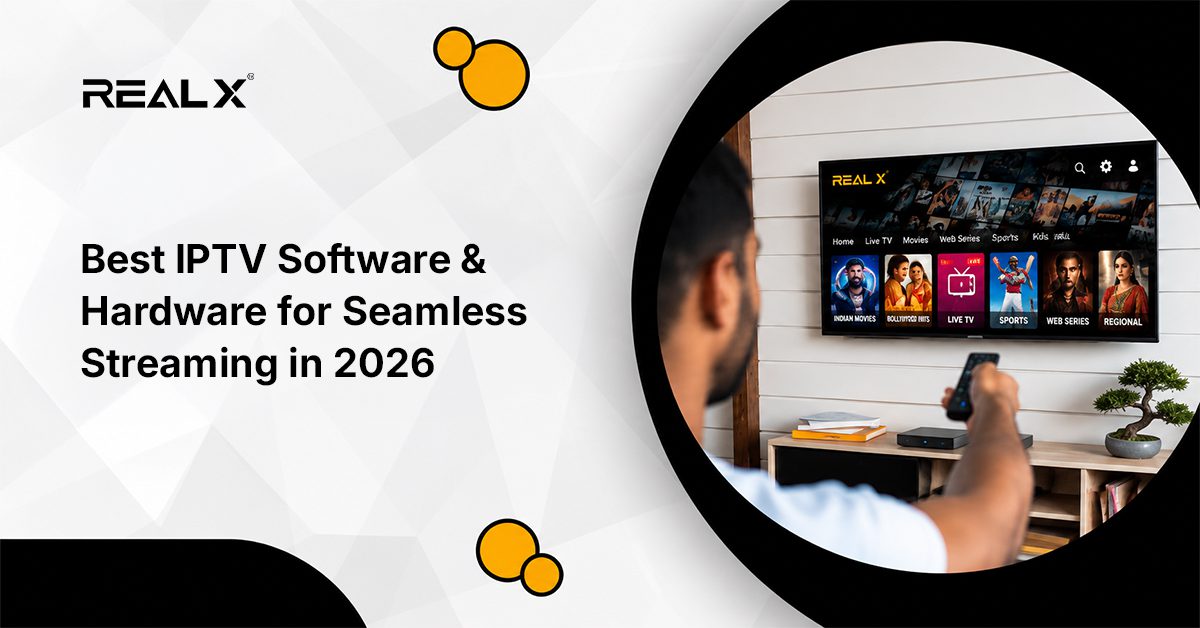
Just think about being in this situation: it’s a big match night, the room’s set up, you hit play, and the buffering appears. If that’s happened to you a few times and you have a plan of 20 Mbps or more, then the internet probably isn’t the issue. The setup is exactly where choosing the best IPTV software and hardware is what separates a frustrating experience from one that holds up night after night.
Many users today also rely on IPTV apps for smart TV setups because they want streaming that feels simple, responsive, and easy to manage without technical complications.
But this topic is technical, and not everyone has the knowledge about it, but no worries! This guide covers what genuinely matters when putting your setup together — the stuff that affects your viewing every single day, not just how the spec sheet reads.
Choosing the best IPTV software for smooth streaming in 2026 is less about flashy marketing and more about stability, compatibility, and long-term performance and the following content will help you gain invaluable knowledge about both.
Why IPTV Software Deserves More Attention Than It Gets
Instead of using traditional cable or satellite, IPTV (Internet Protocol Television) software allows users to stream live television channels and video-on-demand (VOD) content via an internet connection.
Most people compare channels, VOD libraries, and subscription prices. The software running underneath all that rarely comes up in the conversation. It should.
One must know that IPTV software sits between your internet connection and your screen. When the signal stutters, it decides what will happen next. One person might see a quick recovery while another buffers endlessly – same speed, same service, different outcome. The way it organises live streams shapes how it shows load. Your list of favourites gets sorted behind the scenes without asking. Information about upcoming programmes appears automatically.
Even if your internet speeds dip now and then across a 20Mbps line – say, down to 15 or up to 25Mbps – it still keeps video steady. And glitches’ occurrences become a rarity. Good software absorbs that variation without disturbing what’s on screen. Weaker software doesn’t, and you’ll know about it.
Usability is the other half of it. Slow menus, clunky navigation, search that doesn’t work the way you expect — these become irritants every time you sit down. When an interface is genuinely responsive with the help of any of the best IPTV software and hardware providers, the issues become fewer.
What to Look for When Choosing Iptv Software
These are factors that will help to understand the IPTV software and what to consider when buying for yourself:
- Most people don’t realise how important codec compatibility is. There are various streams in AV1, H.264, and H.265 formats, among others, and these days, H.265, also known as HEVC, is widely used because it uses less data while maintaining strong image clarity. That trait becomes useful when dealing with frequent 4K video playback.
- As standards evolve, having tools capable of decoding various formats opens doors. A reliable software for IPTV will give you updates to keep your experience modern and according to the latest standards, and this certainly helps when software keeps pace with changing tech.
- EPG integration — the electronic programme guide — should update reliably and show accurate scheduling. A guide that’s always a day behind or showing wrong times is a persistent frustration that’s easy to overlook until you’ve bought a subscription.
- Multi-device support is worth confirming before committing. Phones, tablets, Android TVs, Firesticks, smart TVs — most households run multiple screens.
- A lot of viewers now use dedicated IPTV player apps across multiple devices, so they can switch between their television, tablet, or phone without losing their preferences or playlists.
- IPTV software that works consistently across platforms means you’re not tied to one device in one room.
- Catch-up TV, on-demand content and recording features separate a proper streaming setup from a basic one. Being able to go back and watch something from earlier in the week, or set a recording before you leave the house, genuinely changes how you use the service.
- Security is the one people skip over when picking streaming software and hardware. The best IPTV software and hardware providers handle your login credentials and viewing data using encrypted connections and modern tech. It’s not an exciting feature, but cutting corners here creates a real exposure.
IPTV Hardware: What it Actually Does
A situation that comes up often: someone upgrades their subscription, gets faster internet, switches to better software — and the 4K stream still stutters, and, in such a scenario, the device is usually to blame.
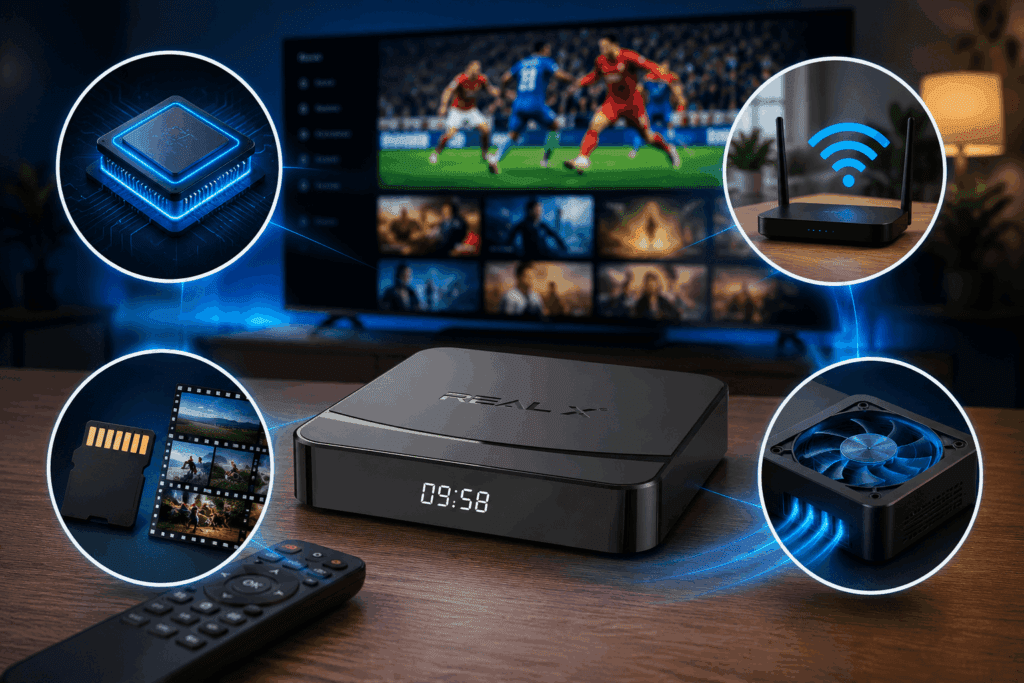
That’s why many users look for the best Android TV box for IPTV instead of depending on low-powered generic streaming devices that struggle with long viewing sessions.
Finding the best hardware for IPTV streaming without buffering often comes down to processor efficiency, cooling, and proper network support rather than price alone.
Processor and RAM
These two determine how the device feels day to day. When the processor runs faster, everything from loading streams to flipping between channels feels smoother. Background jobs keep running along while menus stay snappy and never freeze up mid-use. Extra memory lets data reload quietly behind the scenes. Apps get launched faster, and video buffers stack up gently – all without pausing your show.
Moreover, most everyday setups handle HD just fine. When it comes to 4K, though, native decoding makes a clear difference. A machine built for that resolution does better than one stretching lower-quality video. Especially if you want to stream in 4K on a big-sized TV or monitor, this difference becomes apparent since much larger displays show every gap – upscaling never quite matches true 4K quality.
Modern IPTV boxes for 4K streaming are specifically designed to handle high-resolution playback more efficiently without overheating or lagging during peak usage hours, and the best IPTV software and hardware companies offer these.
Many users now search for the IPTV for indian channels or best IPTV player for 4K streaming because modern televisions make playback quality differences far more noticeable than before.
Connectivity
Choose Ethernet whenever possible. It holds up much better than Wi-Fi during live sports streams. A glitch at the worst moment ruins the thrill of close plays. Nothing stings like a frozen screen just as the crowd erupts.
Here’s a thing though – when stuck with just Wi-Fi, check that your gear handles 2.4 GHz along with 5 GHz. Streaming often runs smoother on 5GHz because fewer signals crowd it, yet keep in mind its range drops off faster, particularly across rooms and walls.
Storage
Limited storage means the smooth regular OS running requires you to delete recordings to make room and clear cached data. It happens because lower storage causes slowdowns. If you plan to record content or keep anything stored locally, storage is worth spending on proactively rather than treating it as an afterthought.
Cooling
Devices that run hot throttle their processor to protect themselves. The result is stream quality degrading during long viewing sessions — not in the first twenty minutes, but an hour or two in. A good IPTV box with decent cooling maintains consistent performance whether you’re watching one episode or five.
What a Reliable Streaming System Looks Like in 2026
It is very much clear that hardware and software don’t work separately. One cannot make up for the weakness of the other. A setup where neither side is straining is the aim.
In 2026, for the majority of households viewing HD or 4K content:
- Internet speed: 25Mbps is a practical floor for stable HD streaming. For 4K, 50Mbps or higher gives you headroom when other devices are also connected to the same network.
- Device: A box or stick that decodes H.265 natively with at least 2GB of RAM. Budget devices trim costs exactly here, and it shows in the performance of the IPTV box.
- Software: Active development matters as much as current features. IPTV software that hasn’t had updates in 12 to 18 months is a genuine risk.
- Connection: Wired first. Dual-band wireless as a fallback
Doing an IPTV streaming devices comparison before buying can save a lot of frustration later, especially when different devices handle live sports, buffering, and 4K playback very differently.
For newcomers, a proper IPTV streaming setup for beginners should focus on ease of use, stable connectivity, and software that receives regular updates.
Cloud sync has also become more useful over the last couple of years. Backing up your playlist, channel favourites, and app settings means a device reset or replacement doesn’t erase your entire configuration. Worth setting up once you’re happy with your preferences.
Best IPTV Software and Hardware: Desirable Smart Features Worth Actually Caring About
There’s a tonne of hype around AI in streaming lately, but honestly, a lot of it just rebrands stuff that’s been around for years. Still, a few features are actually worth noticing. Recommendation algorithms now dig into your real viewing history, not just broad genres, so they’re way better at surfacing things you actually want instead of tossing random fillers your way.
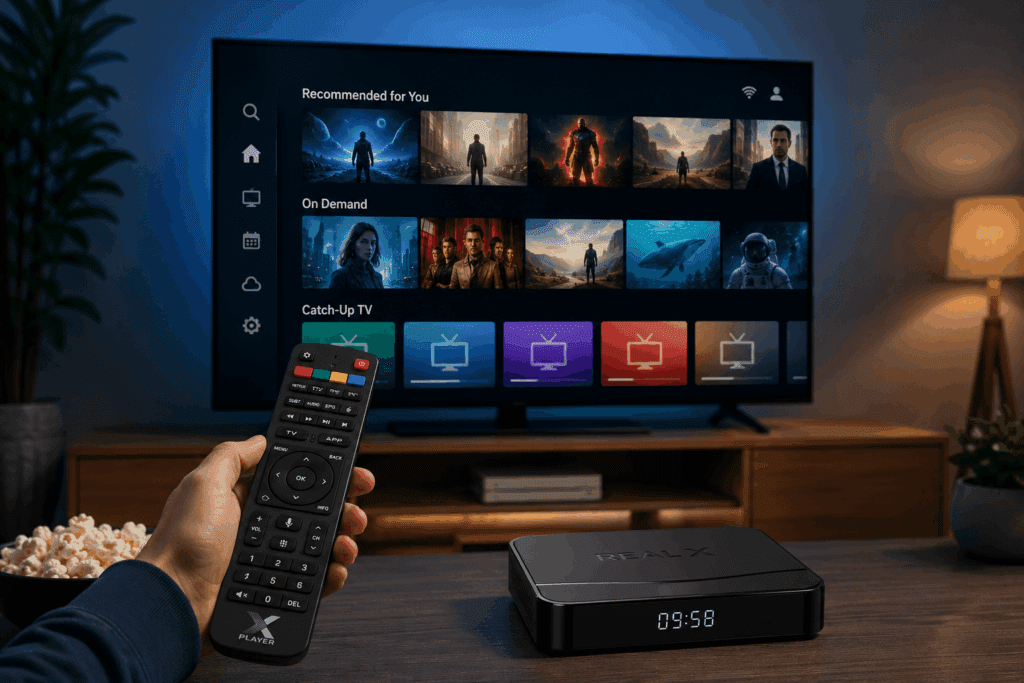
Predictive buffering is another game-changer—your app preloads what it thinks you’ll play next, so you don’t get stuck waiting, especially if your connection is sluggish. And voice search? It’s a lifesaver for anyone tired of clicking through endless menus.
Two of the functions are very much in demand and available on trustworthy IPTV services, like Real TV:
- On-demand content
- Catch-up TV
These help people entertain themselves with different programs without being worried about schedules. They’ve become inseparable features of modern streaming technology.
These features only land well when the underlying IPTV software is stable and well-maintained.
Keeping Your Setup Running Well Over Time
A few habits make a bigger difference than most people expect:
- Update the app when updates come through. They fix playback bugs, patch security issues, and keep the software compatible with platform changes.
- Clear the app cache every couple of weeks. Accumulated data slows navigation in ways that often feel unrelated to the cache.
- Choose Ethernet whenever possible. It holds up much better than Wi-Fi during live sports streams.
- Also, make sure you save your playlist URL and your app settings somewhere safe—don’t just leave them on the device. If you ever need to do a factory reset, you’ll thank yourself for not having to set everything up all over again.
The above recommendations are important because the overall IPTV experience requires maintenance from your side as well.
Wrapping up
When IPTV software and IPTV hardware are well-matched to what you actually watch, the experience stops giving you headaches like buffering. Streams load fast, quality holds, and the interface stays out of your way.
This is especially important for families watching their favourite content, like Indian channels, in Canada, Australia or somewhere else, where stable streaming quality and reliable hardware make a major difference during live TV and sports events.
An honest IPTV hardware comparison 2026 should focus on real-world streaming performance instead of only advertising specifications.
If your current setup is letting you down, the answer is almost always in one of those two areas. Find the weak link and address the issue.
You can remain worry-free by having a trustworthy IPTV connection and hardware provider like Real TV. We’re amongst the best IPTV software and hardware providers that offer hardware like the Real X box and IPTV software designed to work together from the start, giving users a complete streaming setup without technical shortcomings.
Explore Real TV products and upgrade your setup →

